Monthly Social Media Report
See what worked, what didn't, and what to post next month, using only your own numbers. Do it yourself for free, or have us do it.
Word
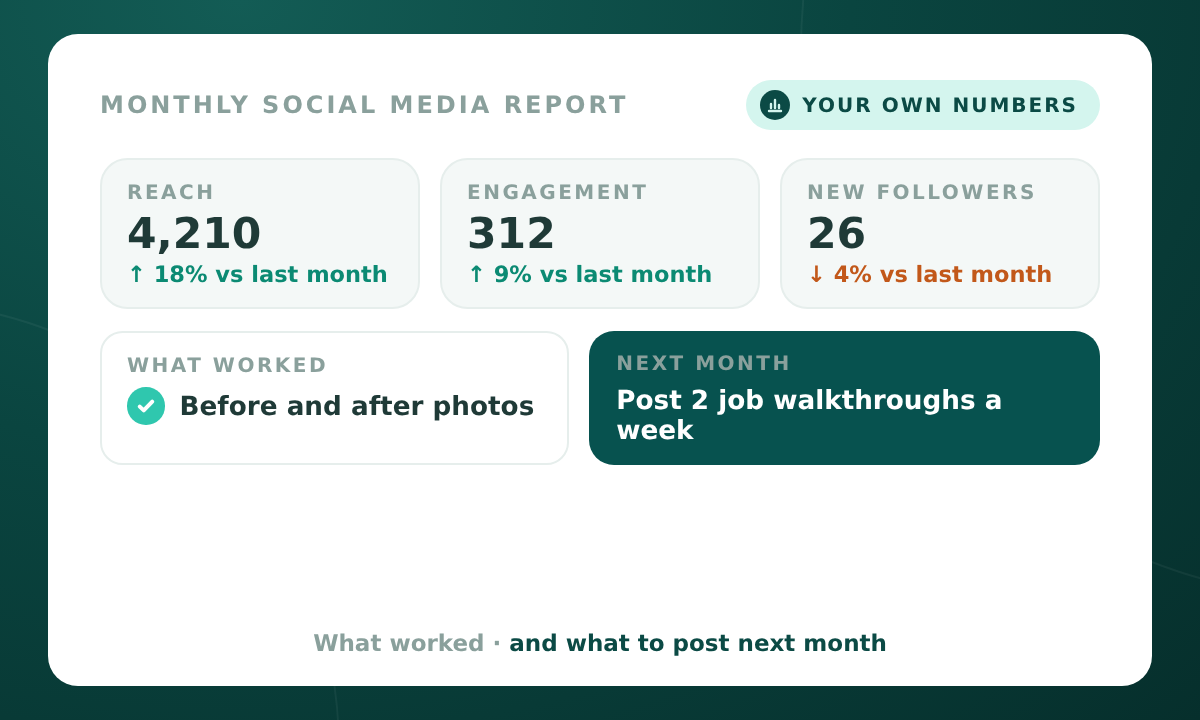
One rule: use your own numbers only, compared to your own last month. No outside benchmarks. Pull the same numbers every month, so months compare fairly. First month? These numbers become your starting point.
The numbers to pull
| Platform | Pull these |
|---|---|
| Posts made, reach, engagement (likes, comments, shares), new followers, link clicks, messages received | |
| Posts and reels made, reach, engagement, new followers, profile visits, website taps | |
| Posts made, impressions, engagement, new followers | |
| Google Business Profile | Profile views, calls, website clicks, direction requests, posts made |
| All | Top 3 posts by engagement, and any post that led to a call, message, or booking |
Only fill in the platforms you use. Write "Not used" for the rest.
What your report covers
- The big picture: what worked best, what to stop, and the one thing to try next month.
- Your numbers vs last month, with up, down, or same for each.
- What worked, and what your best posts have in common.
- What didn't, and what to change.
- Posts that brought in business.
- Your plan for next month: 3 actions, each tied to a finding.
The download has a prompt you paste your numbers into, plus the report template to fill in.
Send me the template
Enter your email and download the Word file to keep. Printable and offline, work through it at your own pace.
We'll save your email to send the occasional update worth reading. No spam, unsubscribe any time.
Want it done for you?
Give us view-only access or send screenshots of your insights. We pull your numbers, compare them to last month, and send you a 1-page report.
Checkout is on tools.minnsightai.com, MinnSight's secure store.