Fix Notes
Just finished a repair? Talk it through for a few minutes and get a clean written fix note back.
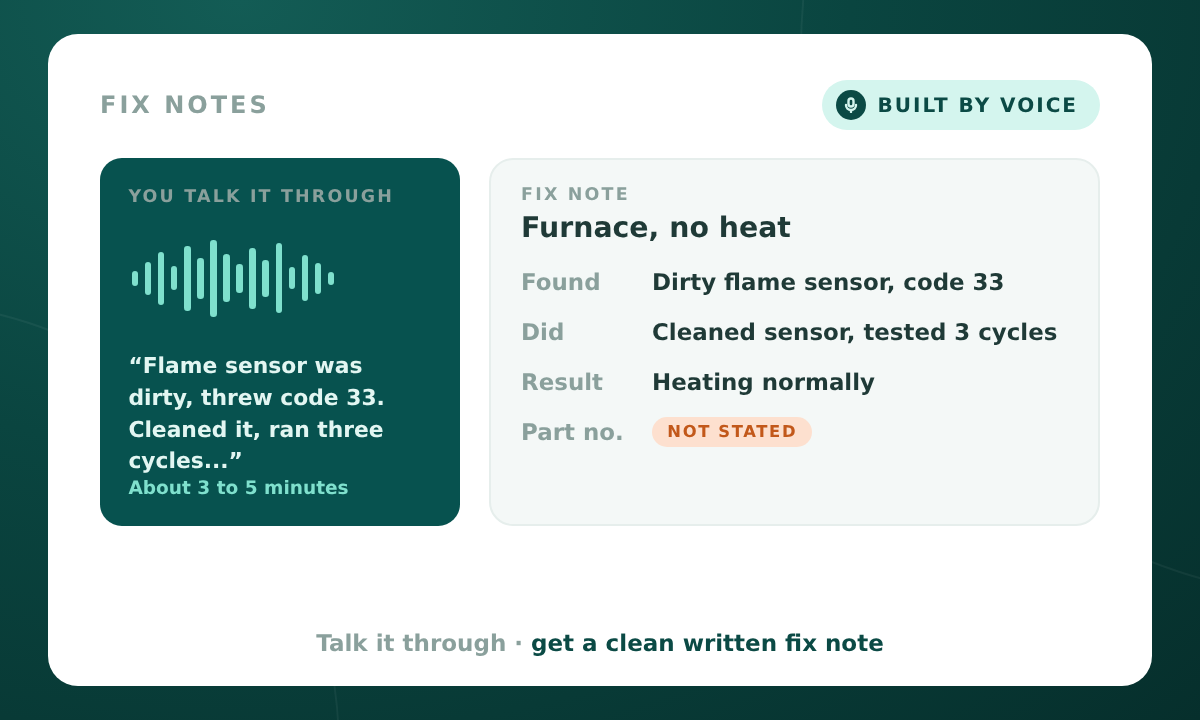
Just finished a job? Talk it through and get a written fix note back. A calm voice helper asks short questions, one at a time, about the call, the equipment, what you found, what you did, and what happens next.
Before you start
The model number, any error codes, and part numbers you used.
About 3 to 5 minutes.
Talk like you're telling a coworker what you did. If you don't know something, just say "don't know." That's fine.
Customer names, addresses, or payment info.
What the helper asks about
- The call: what the customer reported, and when it started.
- The equipment: type, brand, model number, and age if you know it.
- What you found: what you checked, in order, any error codes or readings, and the real cause.
- What you did: the fix, step by step, parts used, and anything you tried that didn't work.
- The result: is it working now, and how you tested it.
- Follow-up: what the customer should watch for, parts on order, a return visit, or a tip for the next tech.
If you already covered something, it skips it. If you say "hold on" or stop to read a part number, it waits until you're done.
What you get back
FIX NOTE
Customer reported:
Equipment:
Error codes or readings:
What was checked:
Cause:
What was done:
Parts used:
Tried but didn't work:
Result:
Follow-up:
Each note also shows which parts are complete and lists anything to double check.
What it will never do
- Fill in a part number, model number, reading, or step you didn't say. Missing items show as "Not stated."
- Give repair advice or judge the work.
- Keep customer names, addresses, or payment info in the note.
Get Fix Notes
Buy it and start straight away. You'll be taken to tools.minnsightai.com to check out and begin.
Buy · $39Checkout is on tools.minnsightai.com, MinnSight's secure store.